Equalvpn: What It Offers, How It Works, and What to Check
Learn what equalvpn advertises, how static residential IPs may help, and what to verify before choosing a service.
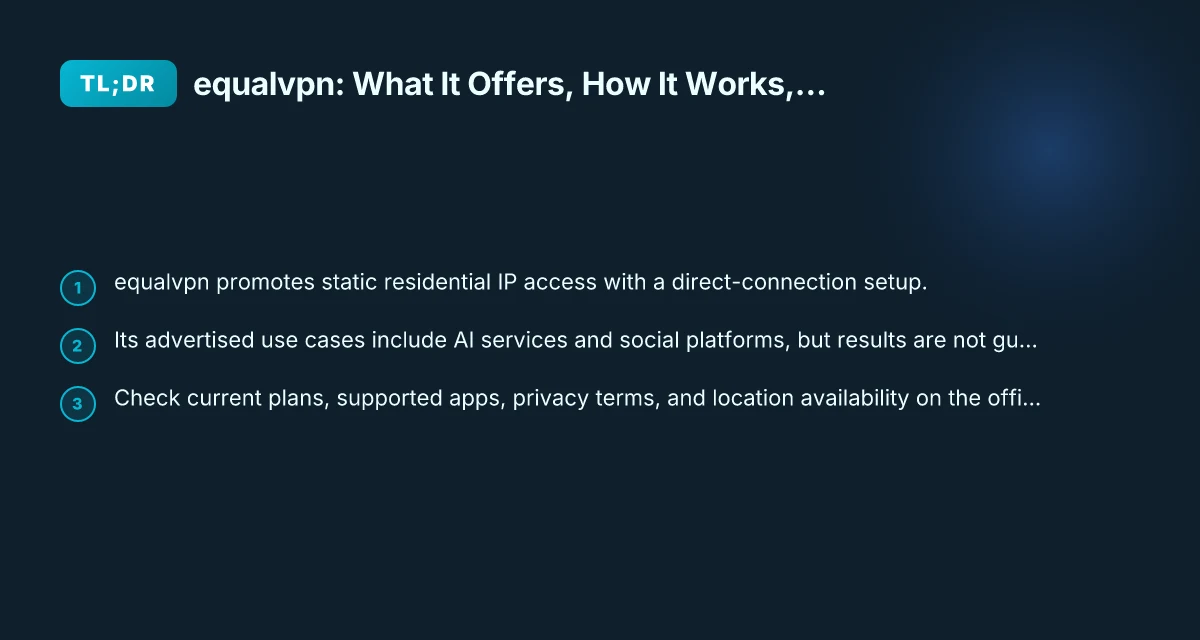
EqualVPN is a service that advertises static residential IPs and a direct-connection setup, with the aim of making access to online platforms simpler. It is presented for users who want a consistent residential-network exit rather than a frequently changing or data-center IP. The service also promotes use with AI tools and social platforms, though a particular IP cannot guarantee access, account safety, or a specific level of performance.
Editor's pick: NordVPN — fast, secure VPN — Strong encryption, a no-logs policy and apps for every device. 30-day money-back guarantee. Get NordVPN →
Compare equalvpn with common connection options
| Option | Main purpose | Traffic protection | Location changes | Device setup | Best suited for |
|---|---|---|---|---|---|
| equalvpn | Check the service’s stated purpose | Verify what is protected | Verify availability | Check supported devices | People whose needs match verified features |
| Traditional VPN | Route traffic through a VPN provider | Usually encrypts the VPN tunnel | Often offers server locations | App or manual setup | Privacy on untrusted networks |
| Proxy | Route selected traffic through another server | Depends on proxy type | May offer different locations | Often configured per app | Specific apps or browsing tasks |
| Tor | Relay traffic through multiple nodes | Encrypts traffic within the Tor network | Not a typical location-selection tool | Tor Browser or compatible software | Anonymity-focused browsing |
| Direct connection | Connect without an intermediary | No VPN tunnel | No | Usually none | Everyday access without added routing |
| Mobile carrier connection | Connect through a cellular network | Depends on carrier and connection | Based on network routing | SIM or eSIM | Internet access away from Wi-Fi |
Compiled November 2026; check the provider's site for current details.
| VPN | Obfuscation | From / month | Plan | Free plan | Refund | Alipay | UnionPay | Crypto | Website opens in China | Trustpilot | |
|---|---|---|---|---|---|---|---|---|---|---|---|
 ZoogVPN | Turn on manually Shadow | $2.49/mo | 27 months: $59.99 | Yes | 7 days | ✓ | ✓ | ✓ | ✓ | Official site blocked; our special link opens (4.4 s) | 4.2/5 (195 reviews) |
 NordVPN | Turn on manually Obfuscated Servers / NordWhisper | $3.49/mo | 27 months: $94.23 | No | 30 days | ? | ✗ | ✓ | ✓ | ✗ Blocked | 4.2/5 (51,628 reviews) |
 ExpressVPN | ✓ On by default all servers | $3.00/mo | 28 months: $84 | No | 30 days | ✗ | ✗ | ✓ | ✗ | ✗ Blocked | 4.4/5 (29,706 reviews) |
 Surfshark | ✓ On by default Camouflage, with OpenVPN | See site | See site | No | 30 days | ✗ | ✗ | ✗ | ✓ | ✗ Blocked | 4.3/5 (31,823 reviews) |
 Proton VPN | Turn on manually Stealth, free plan too | $2.99/mo | 12 months: $35.88 | Yes | 30 days | ✗ | ✗ | ✗ | ✓ | ✗ Blocked | 2.1/5 (1,040 reviews) |
 Astrill VPN | Turn on manually StealthVPN / OpenWeb | $12.50/mo | 24 months: $300 | No | See site | ✗ | ✗ | ✗ | ✓ | ✗ Blocked | 1.3/5 (110 reviews) |
 Private Internet Access | Turn on manually Shadowsocks, OpenVPN only | $2.03/mo | 40 months: $81.2 | No | 30 days | ✗ | ✗ | ✗ | ✗ | ✗ Blocked | 4.2/5 (11,033 reviews) |
 CyberGhost | Turn on manually selected servers | $2.19/mo | 28 months: $61.32 | No | 45 days | ✗ | ✗ | ✗ | ✓ | ✗ Blocked | 4.0/5 (24,178 reviews) |
 PureVPN | Turn on manually switch to OpenVPN | $1.69/mo | 60 months: $101.55 | No | 31 days | ? | ? | ✗ | ✓ | ✗ Blocked | 4.4/5 (17,994 reviews) |
 AdGuard VPN | ✓ On by default TrustTunnel | $2.99/mo | 24 months: $71.76 | Yes | 30 days | ✓ | ✗ | ✓ | ✓ | Official site blocked; our special link opens (3.7 s) | 4.3/5 (290 reviews) |
 Mullvad | Turn on manually QUIC / Shadowsocks / LWO | $5.61/mo | €5/mo | No | 14 days | ✗ | ✗ | ✗ | ✓ | ✗ Blocked | 3.2/5 (192 reviews) |
 Windscribe | Turn on manually Stealth / WStunnel | $5.75/mo | 12 months: $69 | Yes | See site | ✗ | ✗ | ✗ | ✓ | ✗ Blocked | 4.7/5 (13,355 reviews) |
 StrongVPN | Turn on manually Scramble, OpenVPN TCP | See site | See site | No | 30 days | ✓ | ✗ | ✗ | ✗ | ✗ Blocked | 4.4/5 (2,695 reviews) |
 LightXtreme 闪连 | Not listed | $7.08/mo | 12 months: $84.99 | Yes | 30 days | ✓ | ✓ | ✓ | ✓ | ✓ Yes (3.5 s) | No page |
Prices checked 2026-11-10 on each vendor's pricing page (cheapest long plan, USD). Check the vendor's checkout for the final price.
Obfuscation checked 2026-11-14 on each vendor's site and help center: "on by default" = nothing to set; "turn on manually" = switch protocol or mode in settings; "not listed" = the vendor describes no obfuscation.
Payment methods checked 2026-11-10 on each vendor's payment pages: all 14 take cards and PayPal; ✗ = not listed, ? = the vendor's own pages disagree.
China access: whether the official website opens from mainland China networks (tests the website only, not the VPN connection). Last checked 2026-11-18 01:02 Beijing time.
Trustpilot score and review count checked 2026-11-10.
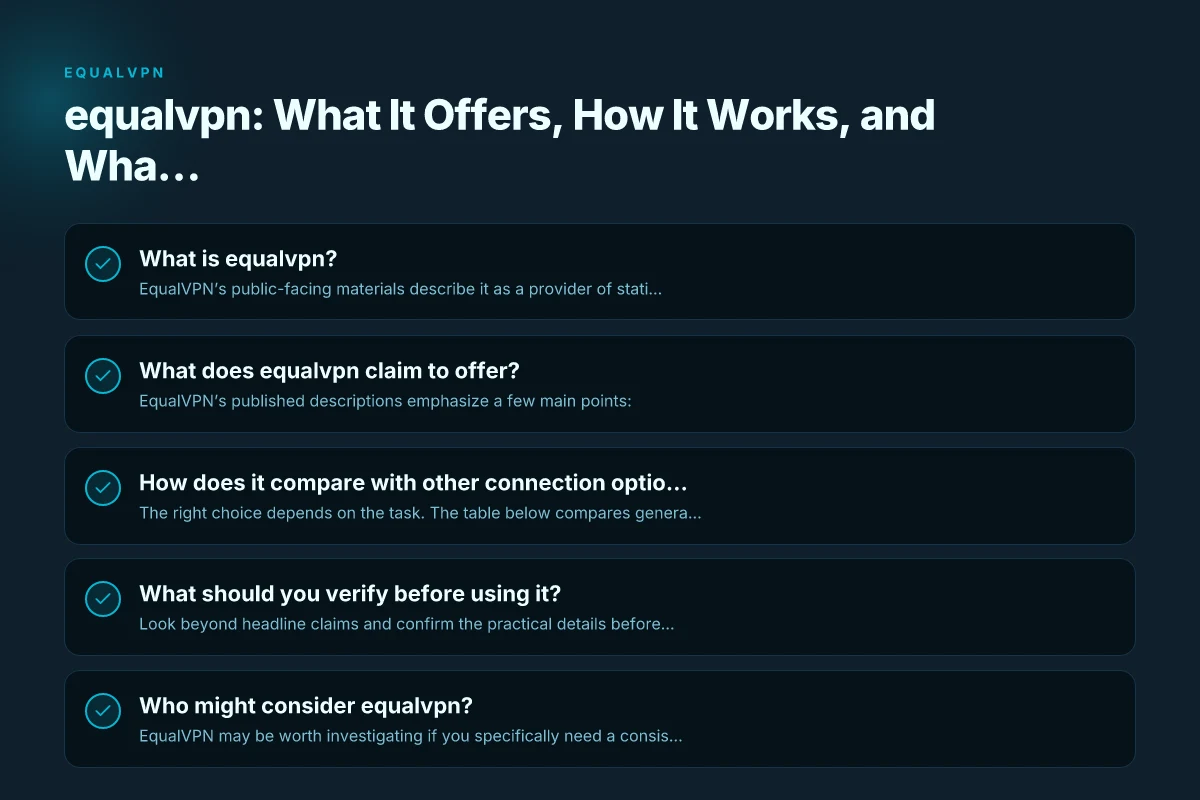
What is equalvpn?
EqualVPN’s public-facing materials describe it as a provider of static residential IP access. Its website is equaldcdn.com, and its promotional information highlights direct connectivity for users in China, without requiring a complex chain of proxy configurations.
A static IP is an address intended to remain consistent over time. A residential IP is associated with a residential internet connection, rather than a typical commercial hosting or data-center network. These characteristics may be useful for workflows where frequent changes in apparent location or network identity cause friction.
The exact service details can change. Before signing up, check the provider’s current documentation for available regions, connection methods, compatible devices, and any restrictions.
What does equalvpn claim to offer?
EqualVPN’s published descriptions emphasize a few main points: Windows VPN: How to Set It Up and Choose the Right Option
- Static residential IP nodes, including references to US residential locations.
- A direct connection approach marketed to users in China.
- Setup intended to be simpler than building a multi-step network chain.
- Compatibility across platforms, according to its social profile.
- Use cases involving AI services and social media platforms.
These are descriptions of the service’s advertised features, not independent guarantees. “Direct” does not by itself establish speed, reliability, or suitability for every network. Likewise, calling an IP residential does not mean every website will treat it as trusted.
Why a static residential IP may matter
A consistent IP can make a connection appear less variable across sessions. That can be helpful for routine account access, remote work, or other tasks where a stable network identity is preferred. A residential address may also be treated differently from a data-center address by some platforms.
However, websites and apps assess more than IP type. They may consider account history, device signals, location changes, behavior, and their own security policies. A static residential IP therefore cannot promise that an AI service will provide a particular response quality or that a social account will avoid review or suspension.
What to verify before using equalvpn Free VPN for Microsoft Edge: What Works and What to Know
| Check | What to look for | Why it matters | Where to verify | Decision signal |
|---|---|---|---|---|
| Provider identity | Clear company and contact details | Helps establish who operates the service | Official site and terms | Identifiable operator |
| Privacy policy | Data collected, retained, and shared | Clarifies privacy trade-offs | Privacy policy | Specific, understandable disclosures |
| Security claims | Protocols, encryption, and leak protections | Shows what protection is actually provided | Technical documentation | Claims explained in concrete terms |
| Independent review | Audits or credible testing | Provides evidence beyond marketing | Audit reports or reputable reviews | Findings and scope are public |
| Device support | Operating systems and app availability | Ensures compatibility with your devices | App listings and support pages | Your devices are listed |
| Performance | Speed and connection reliability | Affects calls, streaming, and downloads | Independent tests or a trial | Meets your intended use |
| Pricing and renewal | Fees, limits, cancellation, and refunds | Avoids unexpected costs | Checkout terms and billing policy | Full costs and exit terms are clear |
| Support and restrictions | Help channels and acceptable-use rules | Matters when problems or access limits arise | Support pages and terms | Assistance and restrictions are clear |
Compiled November 2026; check the provider's site for current details.
How does it compare with other connection options?
The right choice depends on the task. The table below compares general connection types. It is not a performance test of equalvpn or any other provider.
| Option | Typical advantage | Common limitation |
|---|---|---|
| Static residential IP service | Consistent address associated with a residential network | Availability, trust, and performance depend on the provider and destination |
| Rotating proxy | Changes IPs, which can suit some large-scale testing workflows | Frequent changes may trigger extra checks or disrupt account continuity |
| Data-center VPN | Often straightforward to configure and useful for general privacy needs | Some platforms may identify hosting-network IP ranges |
| Self-managed residential setup | Greater control over configuration and network details | Can require more equipment, maintenance, and technical knowledge |
EqualVPN’s marketing positions it around the first option, alongside a simpler direct-connection experience. Compare that proposition with your actual needs: a stable location, ease of configuration, privacy protections, or broad device support may matter more than any single advertised benefit.
What should you verify before using it?
Look beyond headline claims and confirm the practical details before relying on the service. Edge Secure Network VPN Review: What It Protects, and What It Doesn’t
- Coverage: Verify which countries or cities are currently available. Promotional references to a location do not confirm that it is offered on every plan.
- Supported devices and apps: Check whether your operating system and preferred client are supported, and whether setup uses an app, an import link, or another method.
- Connection requirements: Confirm what “direct connection” means for your network and whether any additional configuration is required.
- Privacy and logging: Read the service’s privacy policy. Check what connection data is collected, how it is retained, and whether account or payment information is linked to usage.
- Terms and acceptable use: Make sure your intended activity complies with both the provider’s rules and the rules of the websites or services you access.
- Support and troubleshooting: Look for clear setup guidance and a way to get help if a connection stops working.
- Current plans and pricing: These details can change, so consult the official site rather than relying on old posts or third-party summaries.
Avoid entering sensitive credentials through an unfamiliar setup process. Use strong, unique passwords and enable any security features offered by the accounts you access.
Decide whether equalvpn may fit your needs
| Need or concern | What to confirm about equalvpn | If confirmed | If unclear or unsupported | Next step |
|---|---|---|---|---|
| Everyday privacy | Privacy policy and data practices | Consider a low-risk trial | Avoid assuming anonymity | Review policy first |
| Public Wi-Fi protection | Tunnel security and leak protections | Test on a trusted device | Use another verified option | Check technical details |
| Access from another location | Available locations and service rules | Confirm the target location works | Do not assume availability | Check location list and terms |
| Streaming or calls | Speed, stability, and relevant restrictions | Test with your actual apps | Expect possible interruptions | Use a trial if offered |
| Multiple devices | Supported platforms and simultaneous-use terms | Confirm all devices are covered | Plan for separate options | Check device and account limits |
| Sensitive activity | Audits, logging, and operator identity | Proceed only if evidence meets your standards | Choose a provider with verifiable assurances | Seek independent evidence |
| Budget-conscious use | Total price, renewals, and refund terms | Compare full cost with alternatives | Avoid unclear billing commitments | Read checkout terms |
| Simple setup | App quality and support availability | Try setup before relying on it | Allow time for troubleshooting | Test installation and support |
Compiled November 2026; check the provider's site for current details.
Who might consider equalvpn?
EqualVPN may be worth investigating if you specifically need a consistent residential IP and value a setup the provider describes as direct and relatively simple. It may also suit users comparing residential IP services for access to AI tools or social platforms, provided they understand that the service cannot control each platform’s decisions. FortiClient VPN Windows 11: Setup, Connection Steps, and Fixes
It may be less suitable if you need independently verified performance data, a particular location that is not listed, or a documented privacy standard that the provider does not publish. In those cases, ask the provider for details or compare alternatives before committing.
Recommendation
Treat equalvpn as a service to evaluate, not as a guaranteed fix for account restrictions, AI behavior, or connection quality. Review its official site for current availability, setup instructions, privacy terms, and pricing. Then test it with a low-risk workflow before depending on it.
Zeynep VPN hizmetlerini test eder.