Edge Secure Network VPN Review: What It Protects, and What It Doesn’t
Edge Secure Network adds privacy to browser traffic, but it is not a full-device VPN. Here’s how it works and when to use it.
Edge Secure Network is useful as an extra layer of privacy in Microsoft Edge, but it is not a full VPN for your computer or phone. It routes eligible browser traffic through a protected connection, while traffic from other apps remains outside its coverage. In this Edge Secure Network VPN review, we explain what the feature does, its limits, and when it makes sense to use it.
Editor's pick: NordVPN — fast, secure VPN — Strong encryption, a no-logs policy and apps for every device. 30-day money-back guarantee. Get NordVPN →
How Edge Secure Network compares with a traditional VPN
| Comparison point | Edge Secure Network | Traditional VPN |
|---|---|---|
| Main purpose | Protects eligible browser traffic | Protects traffic routed through the VPN |
| Coverage | Microsoft Edge traffic | Depends on app and VPN settings |
| Device-wide protection | No | Often available |
| IP address masking | Supported for protected traffic | Usually supported |
| Location choice | Limited or unavailable | Often offers server locations |
| Encryption | Protects eligible traffic in transit | Protects traffic routed through the VPN |
| App support | Edge only | May support multiple apps |
| Best fit | Browsing in Edge | Broader device or app protection |
Compiled November 2026; check the provider's site for current details.
| VPN | Obfuscation | From / month | Plan | Free plan | Refund | Alipay | UnionPay | Crypto | Website opens in China | Trustpilot | |
|---|---|---|---|---|---|---|---|---|---|---|---|
 ZoogVPN | Turn on manually Shadow | $2.49/mo | 27 months: $59.99 | Yes | 7 days | ✓ | ✓ | ✓ | ✓ | Official site blocked; our special link opens (4.4 s) | 4.2/5 (195 reviews) |
 NordVPN | Turn on manually Obfuscated Servers / NordWhisper | $3.49/mo | 27 months: $94.23 | No | 30 days | ? | ✗ | ✓ | ✓ | ✗ Blocked | 4.2/5 (51,628 reviews) |
 ExpressVPN | ✓ On by default all servers | $3.00/mo | 28 months: $84 | No | 30 days | ✗ | ✗ | ✓ | ✗ | ✗ Blocked | 4.4/5 (29,706 reviews) |
 Surfshark | ✓ On by default Camouflage, with OpenVPN | See site | See site | No | 30 days | ✗ | ✗ | ✗ | ✓ | ✗ Blocked | 4.3/5 (31,823 reviews) |
 Proton VPN | Turn on manually Stealth, free plan too | $2.99/mo | 12 months: $35.88 | Yes | 30 days | ✗ | ✗ | ✗ | ✓ | ✗ Blocked | 2.1/5 (1,040 reviews) |
 Astrill VPN | Turn on manually StealthVPN / OpenWeb | $12.50/mo | 24 months: $300 | No | See site | ✗ | ✗ | ✗ | ✓ | ✗ Blocked | 1.3/5 (110 reviews) |
 Private Internet Access | Turn on manually Shadowsocks, OpenVPN only | $2.03/mo | 40 months: $81.2 | No | 30 days | ✗ | ✗ | ✗ | ✗ | ✗ Blocked | 4.2/5 (11,033 reviews) |
 CyberGhost | Turn on manually selected servers | $2.19/mo | 28 months: $61.32 | No | 45 days | ✗ | ✗ | ✗ | ✓ | ✗ Blocked | 4.0/5 (24,178 reviews) |
 PureVPN | Turn on manually switch to OpenVPN | $1.69/mo | 60 months: $101.55 | No | 31 days | ? | ? | ✗ | ✓ | ✗ Blocked | 4.4/5 (17,994 reviews) |
 AdGuard VPN | ✓ On by default TrustTunnel | $2.99/mo | 24 months: $71.76 | Yes | 30 days | ✓ | ✗ | ✓ | ✓ | Official site blocked; our special link opens (3.7 s) | 4.3/5 (290 reviews) |
 Mullvad | Turn on manually QUIC / Shadowsocks / LWO | $5.61/mo | €5/mo | No | 14 days | ✗ | ✗ | ✗ | ✓ | ✗ Blocked | 3.2/5 (192 reviews) |
 Windscribe | Turn on manually Stealth / WStunnel | $5.75/mo | 12 months: $69 | Yes | See site | ✗ | ✗ | ✗ | ✓ | ✗ Blocked | 4.7/5 (13,355 reviews) |
 StrongVPN | Turn on manually Scramble, OpenVPN TCP | See site | See site | No | 30 days | ✓ | ✗ | ✗ | ✗ | ✗ Blocked | 4.4/5 (2,695 reviews) |
 LightXtreme 闪连 | Not listed | $7.08/mo | 12 months: $84.99 | Yes | 30 days | ✓ | ✓ | ✓ | ✓ | ✓ Yes (3.5 s) | No page |
Prices checked 2026-11-10 on each vendor's pricing page (cheapest long plan, USD). Check the vendor's checkout for the final price.
Obfuscation checked 2026-11-14 on each vendor's site and help center: "on by default" = nothing to set; "turn on manually" = switch protocol or mode in settings; "not listed" = the vendor describes no obfuscation.
Payment methods checked 2026-11-10 on each vendor's payment pages: all 14 take cards and PayPal; ✗ = not listed, ? = the vendor's own pages disagree.
China access: whether the official website opens from mainland China networks (tests the website only, not the VPN connection). Last checked 2026-11-18 01:02 Beijing time.
Trustpilot score and review count checked 2026-11-10.
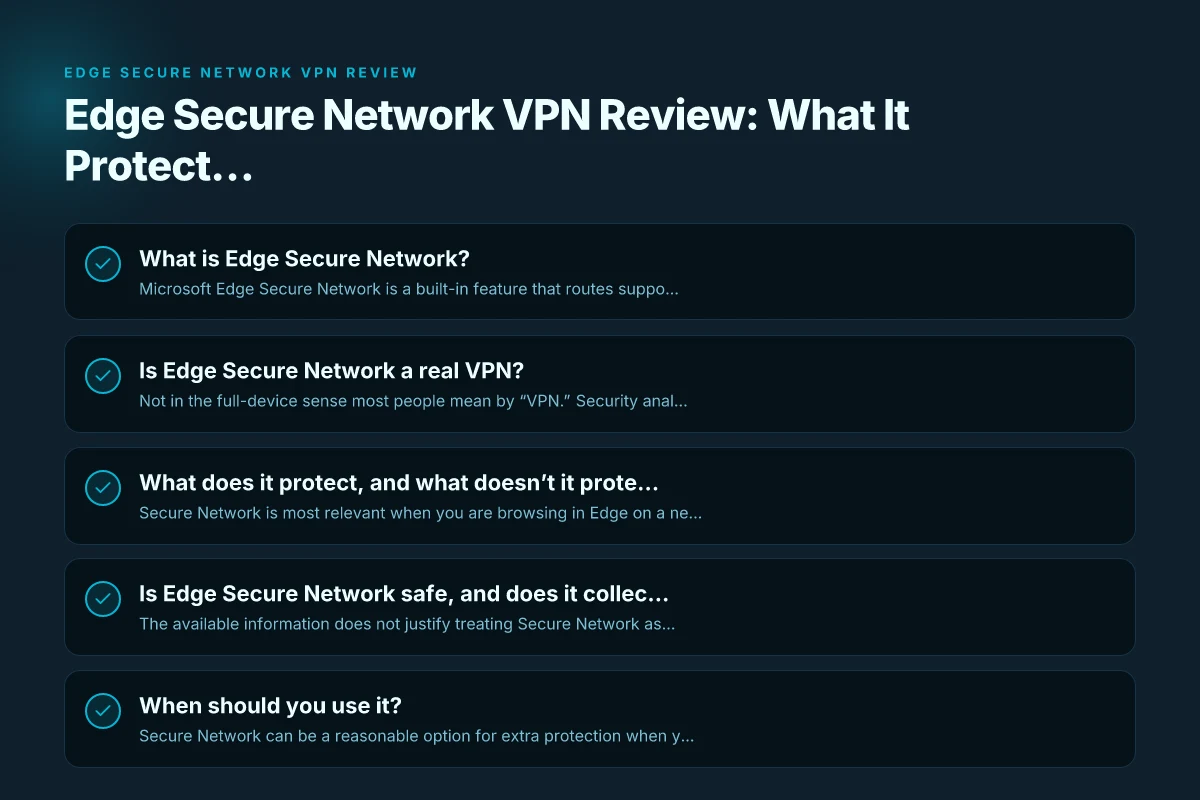
What is Edge Secure Network?
Microsoft Edge Secure Network is a built-in feature that routes supported traffic from the Edge browser through a privacy proxy powered by Cloudflare. This can help obscure your IP address from websites and protect browser traffic on unsecured networks, such as public Wi-Fi.
Despite often being described as a VPN, Secure Network is narrower than a traditional VPN. It does not create a device-wide encrypted connection. Instead, it works within Edge, so it won’t automatically protect traffic from other browsers, apps, or background services.
That distinction matters. If you turn it on while using Edge, your browser activity may receive additional protection, but you should not assume that everything your device sends over the internet is covered.
Is Edge Secure Network a real VPN?
Not in the full-device sense most people mean by “VPN.” Security analysis cited in current search results describes the feature as a browser-level proxy based on Cloudflare’s Privacy Proxy Platform. The practical takeaway is that it tunnels eligible Edge traffic rather than routing all device traffic through a VPN server. FortiClient VPN Windows 11: Setup, Connection Steps, and Fixes
| Feature | Edge Secure Network | Typical full-device VPN |
|---|---|---|
| Protects traffic in Edge | Yes, for eligible traffic | Yes |
| Covers other apps on the device | No | Generally, yes |
| Intended for browser privacy | Yes | Not limited to browsing |
| Replaces a dedicated VPN service | No | It is the VPN service |
A proxy can still provide useful privacy benefits. The issue is not that the feature is automatically unsafe. It is that calling it a VPN may lead users to expect broader protection than it offers.
What Edge Secure Network protects—and what it doesn’t
| Activity or exposure | Protected? | Notes |
|---|---|---|
| Eligible Edge traffic in transit | Yes | Routed through the secure network |
| Traffic in other browsers | No | Edge Secure Network is browser-specific |
| Traffic from other apps | No | Not a device-wide VPN |
| Public Wi-Fi browsing in Edge | Yes, for eligible traffic | Does not guarantee overall device security |
| Your IP address from sites you visit | Masked for protected traffic | Sites may still identify you in other ways |
| Phishing or malicious downloads | No | Use security tools and careful browsing |
| Account activity or login identity | No | A VPN does not make you anonymous when signed in |
| Traffic outside the protected connection | No | Coverage depends on the service and its settings |
Compiled November 2026; check the provider's site for current details.
What does it protect, and what doesn’t it protect?
Secure Network is most relevant when you are browsing in Edge on a network you do not control. It can add a layer between your browser traffic and the local network, and it may help reduce the visibility of your IP address to websites. VPN for Edge: How to Choose and Use One Safely
It does not mean that all your online activity is anonymous or invisible. Websites may still identify you through account logins, cookies, browser settings, or other signals. Nor does this feature protect traffic from apps outside Edge.
Keep these limits in mind:
- Other apps are not covered: Email clients, games, and other browsers use their own connections.
- A VPN does not erase identity: Signing in to a service can still connect activity to your account.
- It does not guarantee anonymity: Tracking technologies and website behavior can still reveal information.
- It is not a complete security solution: Keep your browser and device updated, and be cautious with links and downloads.
The feature is best understood as a browser privacy tool, not a way to make all internet use on a device private.
Is Edge Secure Network safe, and does it collect data?
The available information does not justify treating Secure Network as either inherently dangerous or a guarantee of complete privacy. It uses Cloudflare’s privacy proxy infrastructure, but any service that handles network traffic has to operate under its own technical setup and privacy terms. Read Microsoft’s current information about the feature and the applicable privacy policies if data handling is a key concern. Chrome Urban VPN: How to Install It, Use It, and Assess Its Safety
A Reddit discussion about Edge’s VPN raises concerns that Microsoft collects data. That is a user opinion, not by itself proof of what Secure Network logs or shares. To assess data practices, rely on the service’s published disclosures rather than assuming that a VPN or proxy collects nothing.
A sensible approach is to ask:
- What information does the service say it processes?
- How does the service describe its retention and use of data?
- Does the feature meet your privacy needs, given that it only covers Edge traffic?
No privacy tool can make a provider irrelevant. The right choice depends on how much trust you place in the provider and what you need to protect.
When should you use it?
Secure Network can be a reasonable option for extra protection when you are browsing with Edge, particularly on public or otherwise untrusted Wi-Fi. It may also be convenient if you want a browser-level privacy feature without installing a separate VPN app. Free VPN That Lets You Choose Location: What to Know
It is less suitable if you need protection across your whole device. For that, look for a reputable VPN service that supports system-wide traffic and review its privacy policy, security features, and supported devices.
Use Edge Secure Network when:
- You want an added privacy layer for eligible Edge browsing.
- You are using a shared or public network.
- You understand that other apps will not be covered.
Do not rely on it alone when:
- You need all device traffic routed through a VPN.
- You expect complete anonymity online.
- You need to control VPN settings across multiple apps or devices.
Which option fits your privacy needs? NordVPN Windows 10 VPN: How to Download, Install, and Connect
| Need | Edge Secure Network | Traditional VPN | No VPN |
|---|---|---|---|
| Protect browsing in Edge on public Wi-Fi | Suitable | Suitable | Not suitable |
| Protect traffic from other apps | Not suitable | Suitable if configured | Not suitable |
| Choose a connection location | Limited or unavailable | Often suitable | Not applicable |
| Mask IP address for protected traffic | Supported | Usually supported | No |
| Use one service across the whole device | No | Often supported | No |
| Reduce exposure to phishing | No | No | No |
| Avoid all tracking or identification | No | No | No |
| Keep setup simple for Edge browsing | Suitable | Depends on provider | Simplest, but no VPN protection |
Compiled November 2026; check the provider's site for current details.
Final recommendation
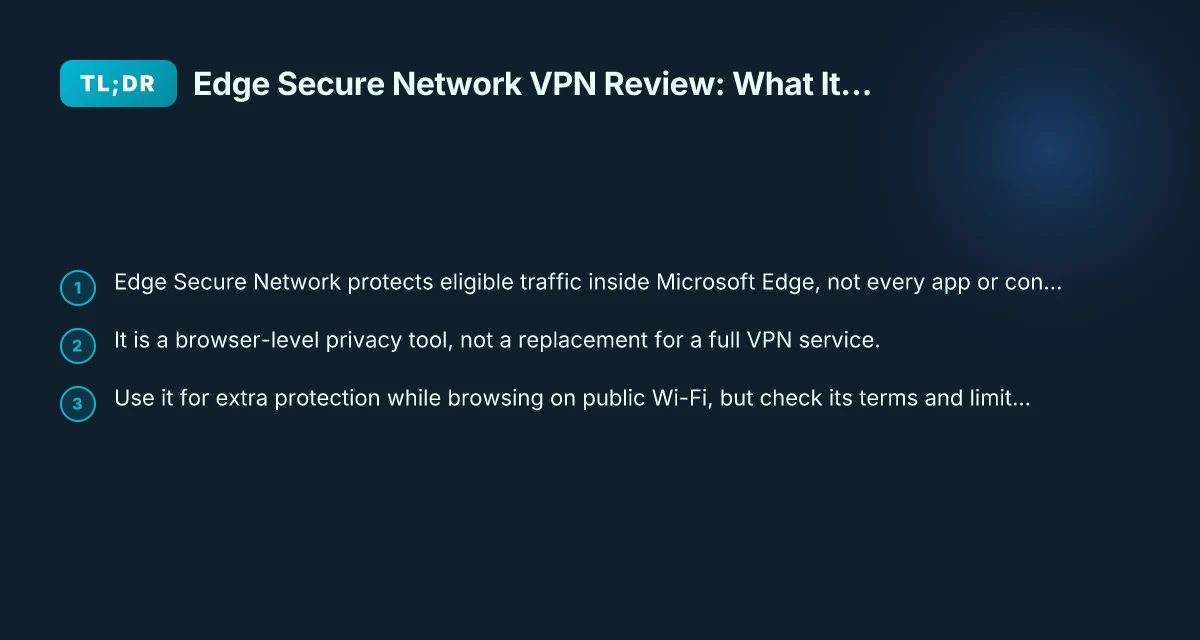
Edge Secure Network is a convenient browser-level privacy feature, not a full VPN. It can be worth enabling for additional protection while browsing in Edge, especially on public Wi-Fi, but it does not secure every app or make you anonymous. If you need device-wide coverage, choose a dedicated VPN and review its privacy practices before trusting it with your traffic.
Aleks gizlilik araçları hakkında yazar.