IPVanish Login: How to Sign In and Fix Common Problems
Learn how to log in to IPVanish on the web or in the app, reset your password, and troubleshoot common access issues.
To complete an IPVanish login, open the official IPVanish website or app and enter the email address and password associated with your account. On the web, the account portal is available at my.ipvanish.com. Once signed in, you can manage your account. To protect your internet connection, open the VPN app and connect to a server.
Editor's pick: NordVPN — fast, secure VPN — Strong encryption, a no-logs policy and apps for every device. 30-day money-back guarantee. Get NordVPN →
Choose the right IPVanish login fix
| Problem | First step | Next step | What to check |
|---|---|---|---|
| Login page will not load | Check your internet connection | Try another browser | Whether other sites load |
| Email or password rejected | Re-enter your credentials | Check for typing errors | Email address and capitalization |
| Password forgotten | Use the password reset option | Follow the reset instructions | Inbox and spam folder |
| Reset email does not arrive | Confirm the account email | Check spam and junk folders | Whether the address is correct |
| Login works, VPN does not connect | Check the VPN app connection | Try another server | App settings and network access |
| App shows an old session | Sign out of the app | Sign in again | Whether the session refreshes |
| Account access seems compromised | Change your password | Contact IPVanish support | Recent account activity |
Compiled November 2026; check the provider's site for current details.
How to log in to IPVanish
Sign in through the website
- Open a browser and go to my.ipvanish.com.
- Enter the email address and password linked to your IPVanish account.
- Select the sign-in option to access your account portal.
Use the official IPVanish site rather than links in unexpected emails or messages. If you are unsure whether a page is genuine, navigate to the website directly instead of following a link.
Sign in through the app
Download or open the IPVanish app on your device, then enter your account credentials when prompted. The app is available through official app stores, including Google Play for Android. After signing in, choose a VPN server and connect when you are ready to use the VPN.
| Where you sign in | What you can do |
|---|---|
| IPVanish account portal | Access and manage your account |
| IPVanish app | Sign in to the VPN service and connect to a server |
The account portal and VPN app serve different purposes. Being logged in to the website does not, by itself, route your internet traffic through a VPN. You need to connect from the app.
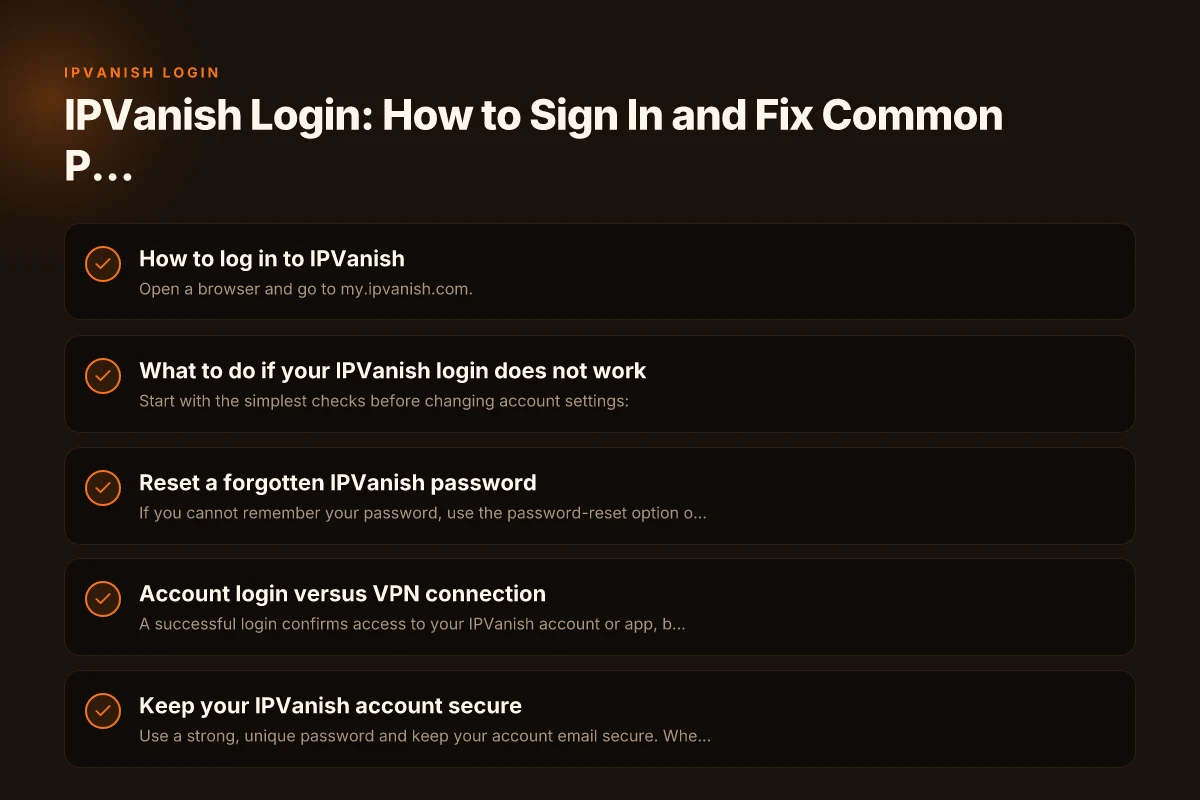
What to do if your IPVanish login does not work
Start with the simplest checks before changing account settings: Free VPN: How to Choose One That’s Safe and Useful
- Check the email address: Use the email associated with your subscription. Make sure there are no spelling errors or extra spaces.
- Re-enter your password: Check for typing mistakes and confirm that your device’s keyboard settings are not changing the characters.
- Try the official portal: If you are using a saved bookmark or a link from another source, go directly to my.ipvanish.com.
- Check your internet connection: A weak or unavailable connection can prevent the sign-in page or app from responding properly.
- Update or restart the app: If the website works but the app does not, close and reopen the app, check for an available update, and try again.
If your credentials work on the website but not in the app, sign out of the app if possible and enter the details again. If you still cannot access the account, use IPVanish’s official support options.
Reset a forgotten IPVanish password
If you cannot remember your password, use the password-reset option on the official sign-in page. Follow the instructions provided there and check the inbox for the email address connected to your account. If you do not see a reset message, check your spam or junk folder and confirm that you entered the correct email address.
For security, do not share your password or reset link with anyone. Avoid using a password you have already used on another service. After resetting it, update the saved password on your devices if your browser or password manager stores the old one.
Account login versus VPN connection Sslvpn poscoenc.com: How to Find the Official POSCO E&C VPN Access
| Item | Account login | VPN connection |
|---|---|---|
| Purpose | Access your IPVanish account | Route internet traffic through a VPN |
| Where it happens | IPVanish website or app | VPN app |
| Credentials | Account email and password | Account login may be required |
| Result | Account access | Encrypted VPN connection |
| Needed to change account details | Yes | No |
| Needed to browse through the VPN | No | Yes |
| Common issue | Incorrect credentials | Server or network connection problem |
| Security step | Use a strong, unique password | Disconnect when VPN protection is not needed |
Compiled November 2026; check the provider's site for current details.
Account login versus VPN connection
A successful login confirms access to your IPVanish account or app, but it does not guarantee that a VPN connection is active. If the app accepts your credentials but you cannot connect, check the connection separately.
Try these steps:
- Confirm that your device has internet access without the VPN.
- Choose another server location in the app and try connecting again.
- Close and reopen the app, then retry.
- Check that your account access is current.
- Contact IPVanish support if the issue continues.
A VPN connection can fail for reasons unrelated to your password, such as a temporary network or app issue. Avoid repeatedly changing your login details when the account sign-in itself is working. Free VPN Extension Edge: How to Choose and Use One Safely
Keep your IPVanish account secure
Use a strong, unique password and keep your account email secure. When signing in on a shared device, avoid saving your credentials and sign out when you are finished. Only install the IPVanish app from an official source, and be cautious of websites that ask for your account details outside the IPVanish sign-in process.
If you are managing your subscription rather than trying to connect, use the account portal to review the options available for your account. For cancellation or billing questions, follow the official account or support instructions. The exact steps may depend on where you purchased the subscription.
Recommendation
For the safest IPVanish login, go directly to my.ipvanish.com or open the official app and sign in with your account email and password. If access fails, reset the password through the official sign-in page and troubleshoot the app connection separately from the account login.
Zeynep VPN hizmetlerini test eder.